What Is an HTML5 Game? A Plain-English Guide
If you have ever opened a game in a web page without installing anything, you have probably played an HTML5 game. The name sounds technical, but the idea is simple.
What the name means
HTML5 is the current version of the language that web pages are built with. Together with JavaScript and graphics features built into the browser, it lets a page draw moving images, play sound and respond to your clicks, taps and key presses. A game built this way runs inside the page itself.
How it differs from older browser games
Older browser games usually needed a plug-in such as Flash. Adobe ended support for Flash at the end of 2020, and browsers stopped running it. HTML5 games need no plug-in, which is why they still work today and why you can play them on a phone, a tablet or a computer.
Why there is nothing to install
When you open a game page, your browser downloads the game files and runs them straight away. Nothing is saved as a program on your device, and when you close the tab the game stops. That is also why a slow connection can delay the start of a game: the files have to arrive first.
Where the games come from
The games on wixtech are provided by third-party developers and distribution platforms. We choose them, check that they load, and add our own description, controls and tips so you know what to expect before you press play.
What HTML5 games do well
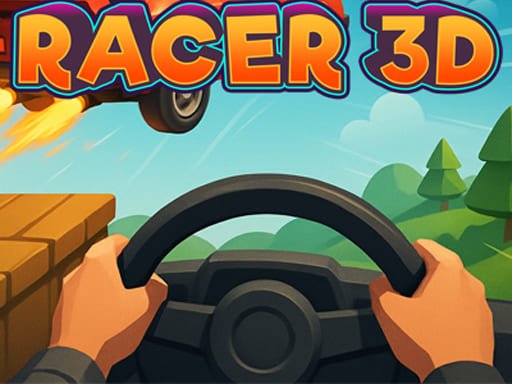
They start quickly, work on many devices and are easy to share with a link. Simple puzzle, arcade and casual games run very smoothly, and 3D titles such as Turbo Racer 3D show how much a modern browser can do.
Where they have limits
Large 3D games need more memory and a stronger graphics chip than a simple puzzle does. Some games were built mainly for a keyboard and mouse, and their developers mark them as not ready for mobile. Controls also differ from game to game, so it helps to read the instructions on the game page before you start.
Tips for a smooth experience
- Use an up-to-date browser.
- Close extra tabs before you start a 3D game.
- Check the game page for the controls.
- Let the page finish loading before you begin.
Where to start
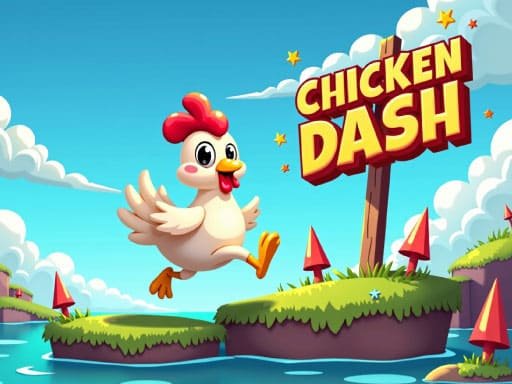
Casual picks with simple controls, such as Dream Mania or Chicken Dash, are a good first step. If you want to see what the technology can do, try Turbo Racer 3D, which runs in your browser with just a click or a tap.